
Estimates & Approvals
Send a quote, get a one-tap approval — no login required.
Schedule jobs, track crews, optimize routes, send invoices, and keep every operation moving — without spreadsheets, phone calls, or lost messages.
14-day free trial · No credit card required · Personal onboarding available
Prefer to lock in Founding Member pricing? View plans.
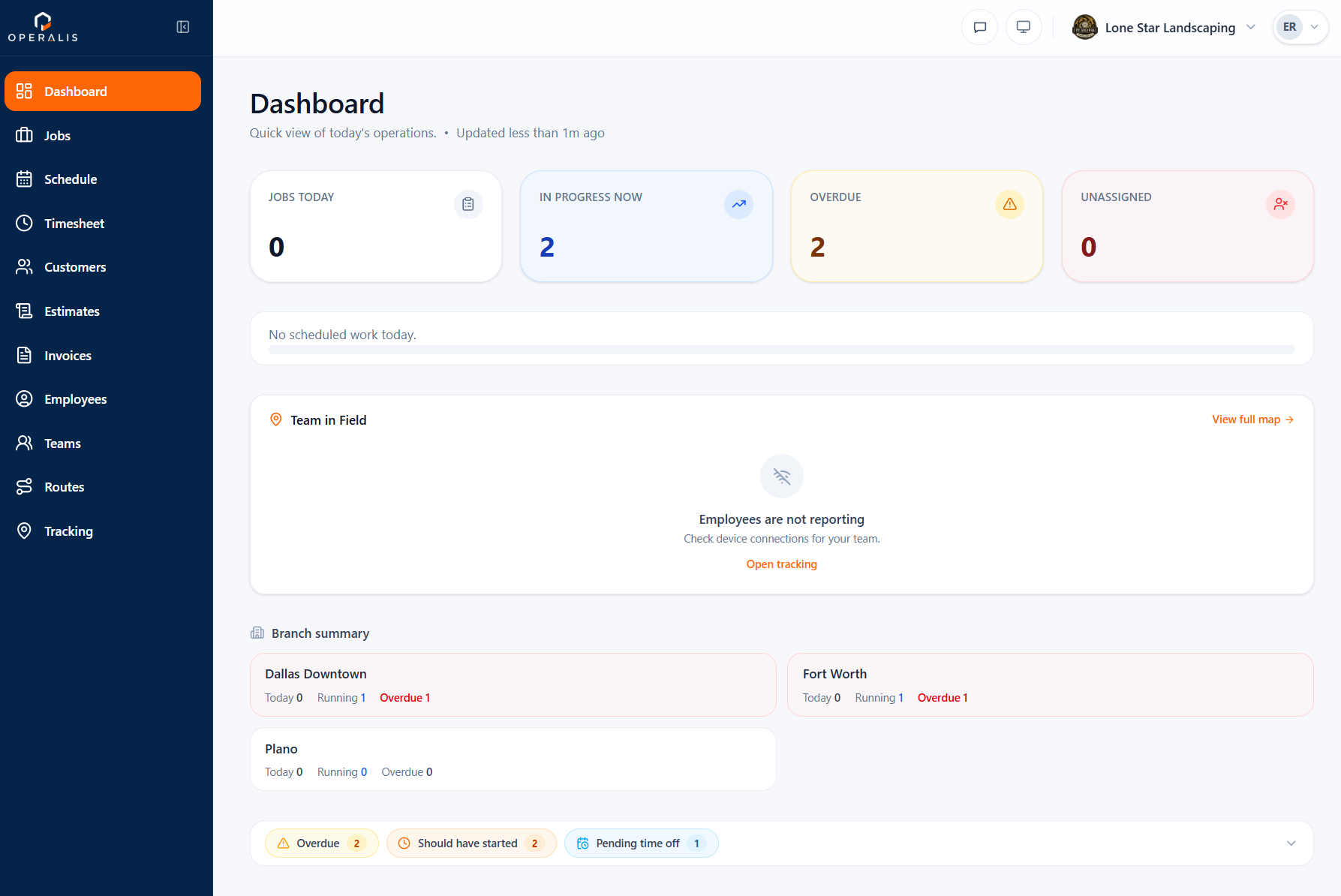
Today's Jobs
12
Crew on Site
4
Route Optimized
-38 min
Invoice Sent
$1,240
Every day lost to scattered tools, guesswork, and late paperwork.
Jobs tracked across texts and spreadsheets.
No real-time visibility on who is where.
Inefficient routes burn fuel and hours.
Work gets done, money comes in late.
Disconnected tools that don't talk to each other.
No GPS record, no timestamps, no photos — just your word.
Everything your field team needs — scheduling, routes, tracking, and invoicing — connected end to end. No more juggling apps.
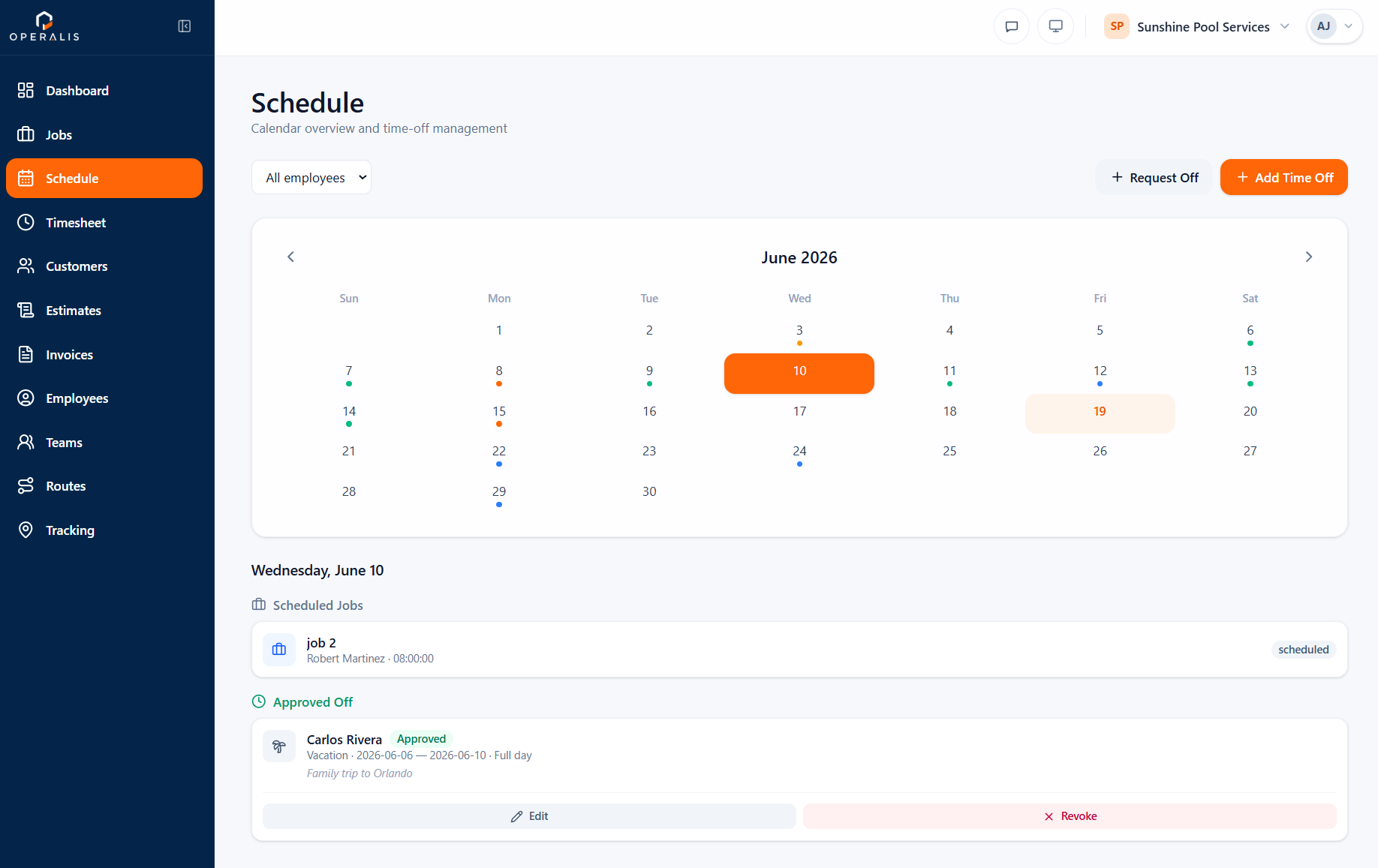
Plan the week, assign crews, and manage time off — all on one shared calendar.
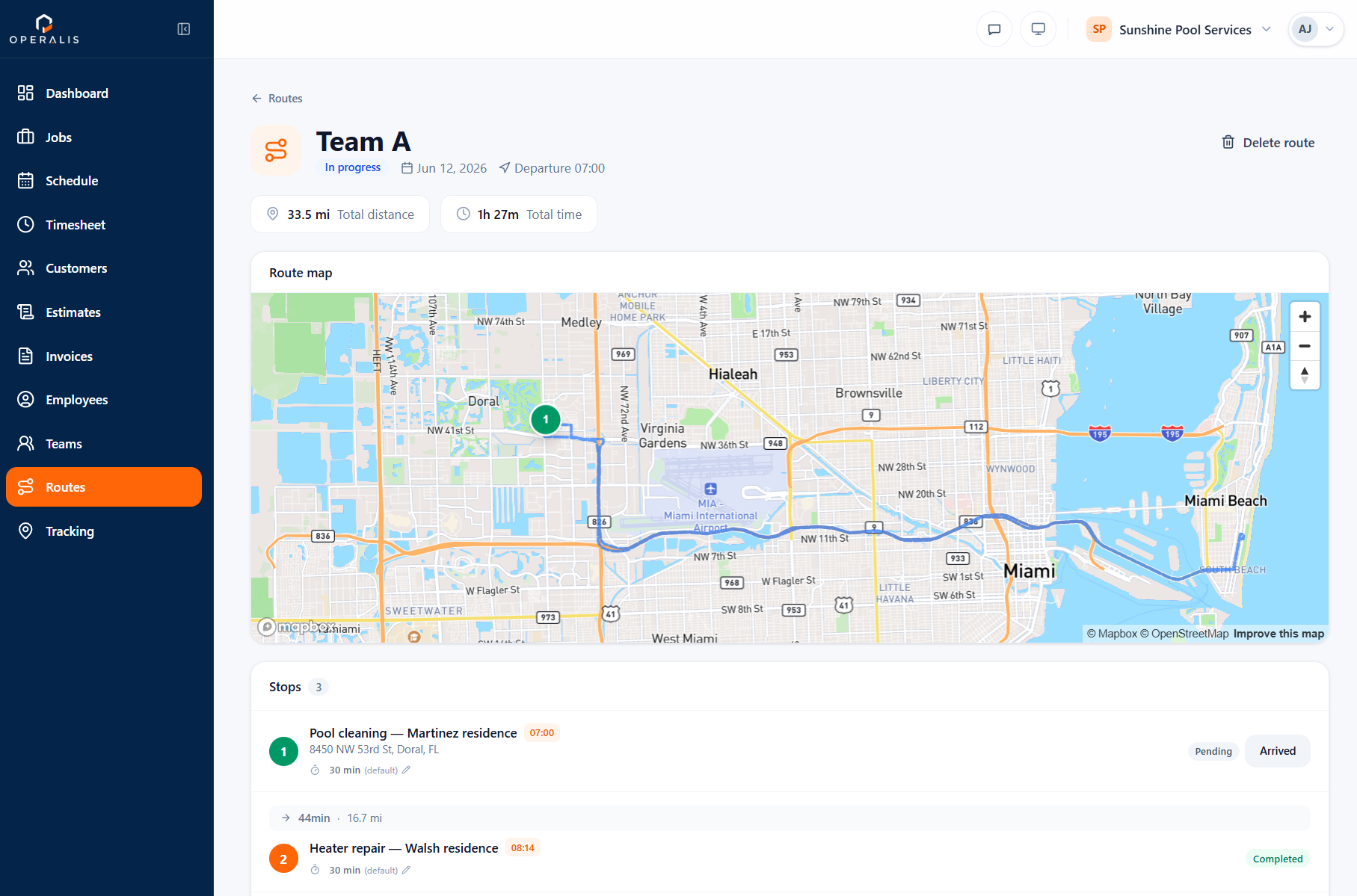
Build optimized multi-stop routes and watch your crews move in real time on the map.
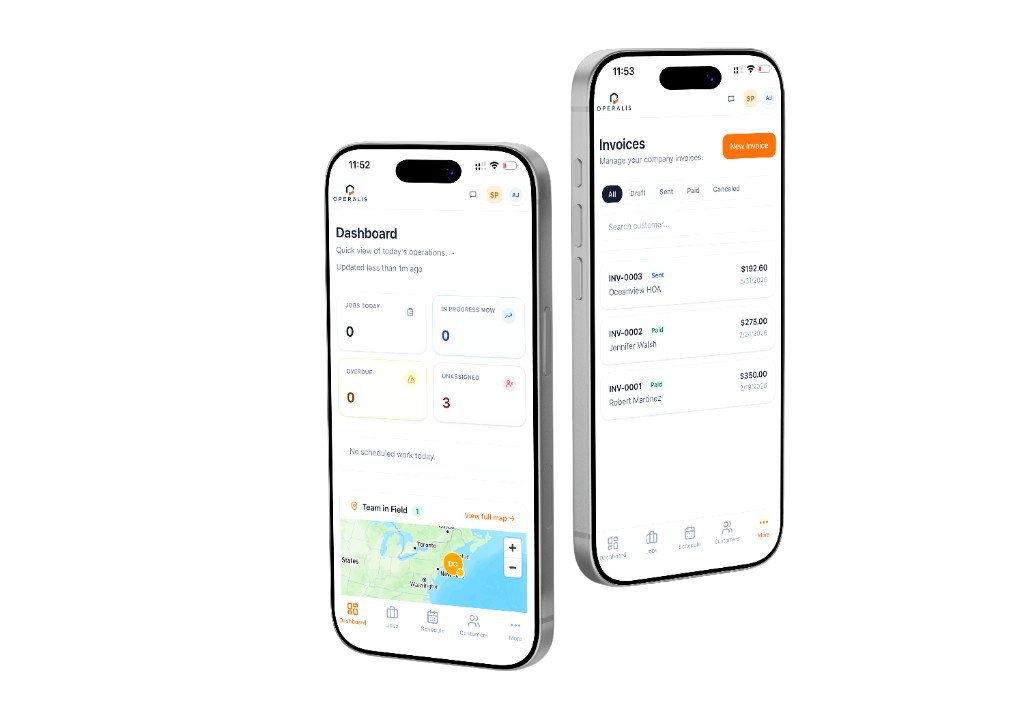
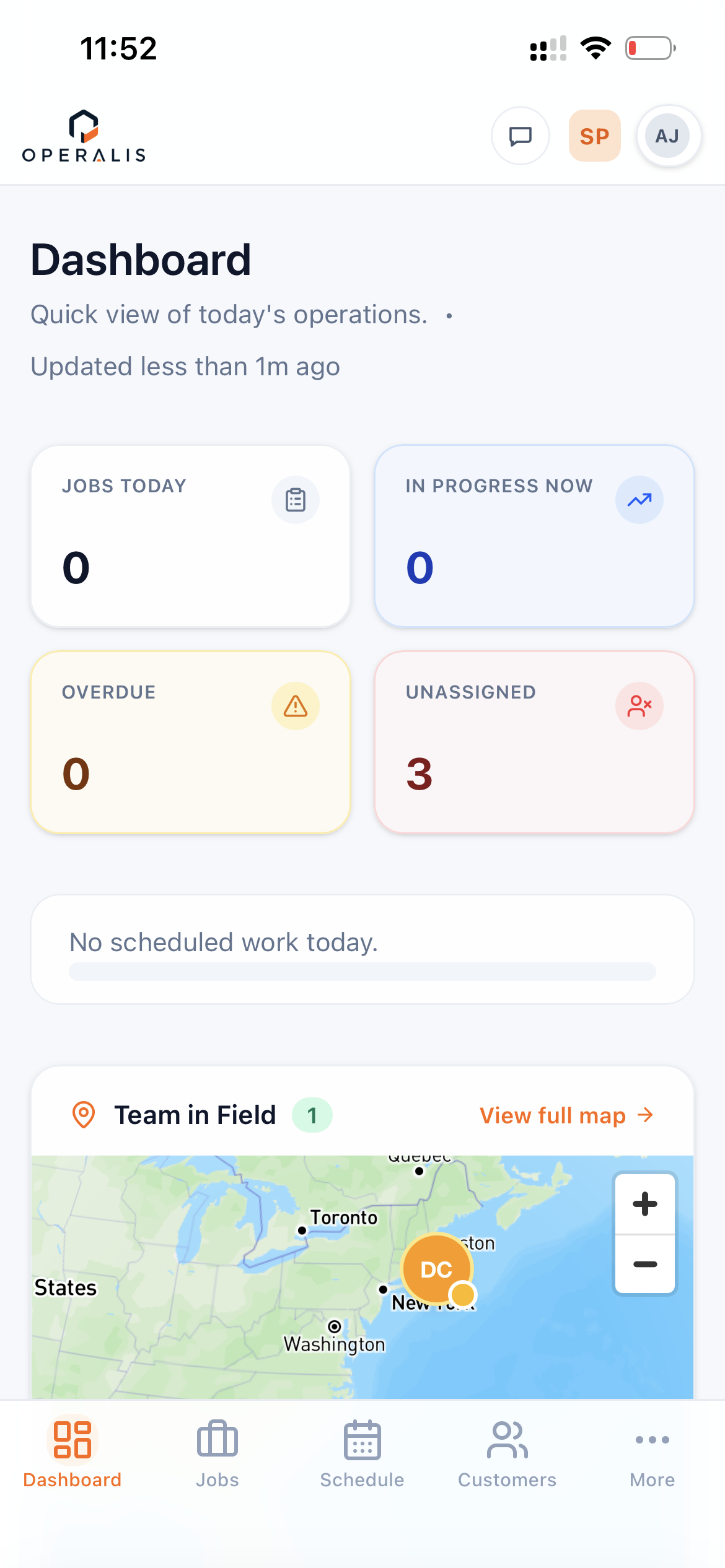
Your crew works straight from their phone — photos, check-ins, and job updates in the field.
Send a quote, get a one-tap approval — no login required.
Turn any finished job into a professional invoice instantly.
Every client, address, and full service history in one place.
Keep the whole crew in sync without side channels.
GPS-verified arrivals with time on site logged automatically.
Crews request, managers approve, the calendar updates.
From first quote to final payment, one connected flow.
Build a quote and send it in minutes.
Approved quotes turn into jobs instantly.
Assign crews and set the day's order.
Follow crews live from start to finish.
Close the job and get paid fast.
Scheduling on paper or spreadsheets
Digital job board, always up to date
Calling crew to ask where they are
Live map — see everyone in real time
Invoicing days after the job is done
Invoice sent before you leave the site
Figuring out route order in your head
Optimized routes with one tap
Information scattered across 5 apps
One app. Everything connected.
No proof your crew showed up on time
GPS check-in at every job site, automatic log
Here's what a typical day looks like when your business runs on Operalis.
Schedule jobs, assign crews and organize the day in minutes. Tap "Optimize" and Operalis orders the stops into the fastest route.
Follow check-ins, job status and crew location on the live map — without constant calls or texts to find out where everyone is.
Review completed work and send the invoice before the day ends — details pre-filled, straight from the finished job.
That's Operalis. Every day.
Start Free TrialOperalis helps service businesses manage customers, crews, scheduling, field work, estimates and invoicing — no matter how your team operates.

Manage recurring cleaning jobs, teams, schedules, customer communication and invoicing from one platform.
See Cleaning Solution
Organize estimates, projects, crews and customer communication without spreadsheets.
See Painting Solution
Schedule recurring services, optimize routes and keep your crews organized every day.
See Landscaping Solution
Coordinate projects, field teams, estimates and customer updates from a single workspace.
See Contractor SolutionOperalis also works for HVAC, plumbing, electrical, pest control, roofing, remodeling and many other field service businesses.
See all industriesFounding Members skip the free trial and start with special pricing, personal onboarding, direct access to our team and a real voice in what we build next.
We help you set up your account and get your team running.
Talk to the people building Operalis, not a ticket queue.
Your feedback drives what we prioritize next.
See and try what's coming before anyone else.
Start free with no card, or choose Founding Member pricing now — your choice.
Explore Operalis free for 14 days. No credit card required.
Skip the trial and start with special Founding Member pricing while your eligible subscription remains active.
Everything you need to know about Operalis. Can't find what you're looking for? Reach out directly.
Our team responds quickly. Drop us a line and we'll get back to you.
[email protected]Get the app to manage jobs, timesheets, and check-ins right from your phone.


One platform to schedule, dispatch, track, and bill, so your team can focus on the work.